Your Phone Is Now Your Bank: A Beginner’s Guide to Mobile Wallet Transfers
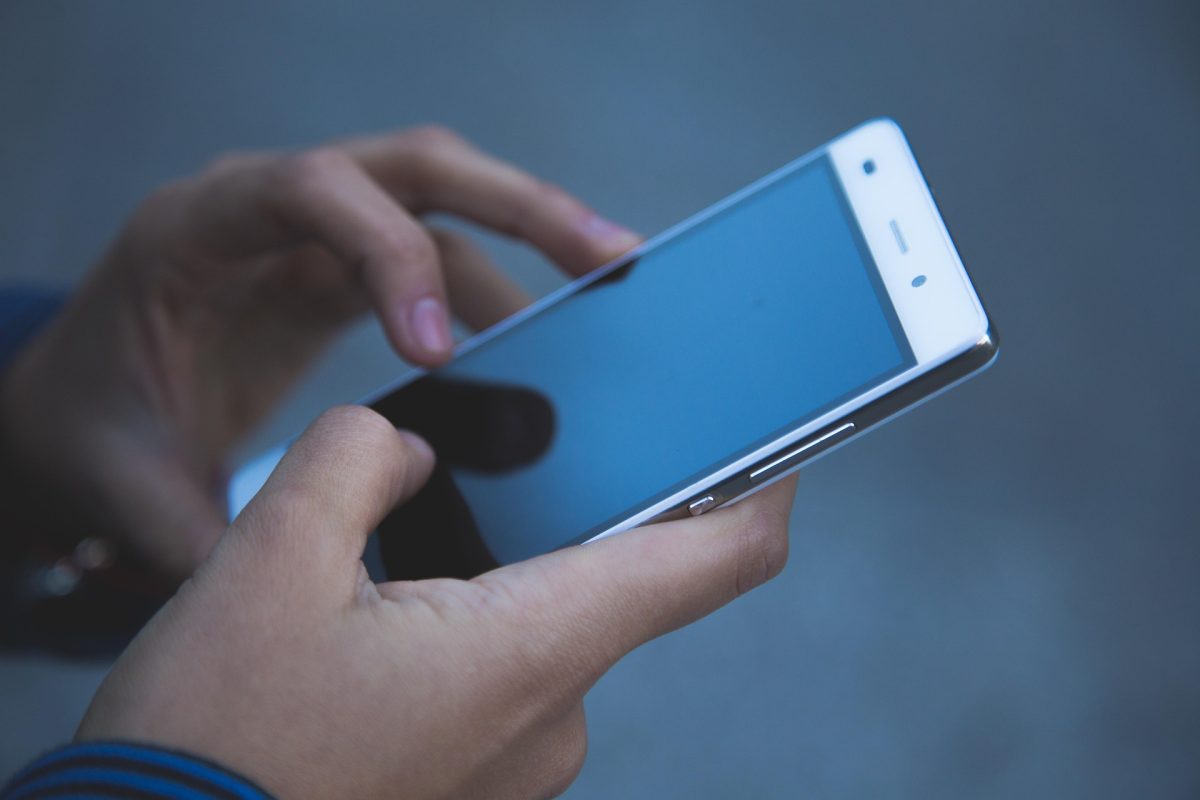
Still carrying a fat leather wallet around?
Everything wallet does, your phone can already do. With wallet you can pay with your phone by:
- Pay for your coffee with a single tap
- Split a dinner bill in seconds
- Send money to family on the other side of the world
No cash. No cards. No trips to the bank.
Here’s the problem:
The average person just uses their phone to tap at the till. They don’t know you can send money peer-to-peer just as easily…. It’s a huge opportunity.
The good news? It’s simple to learn.
Here’s how it works…
Inside this guide:
- What Are Digital Wallet Payments?
- Why Everyone Is Switching To Contactless Money Transfers
- Is Mobile Wallet Money Actually Safe?
- How To Send Money From Your Phone In 4x Steps
- 3x Beginner Mistakes To Avoid
What Are Digital Wallet Payments?
A digital wallet is simply an app on your smartphone that holds your payment information. Examples include Apple Wallet, Google Wallet, Samsung Wallet or PayPal.
You enter your bank card information just one time. The app remembers it and takes care of the rest each time you pay.
Digital wallet payments work in two main ways:
- Tap to pay: Hold your phone near a card reader and pay instantly.
- Send to a person: Send money directly from your phone to a friend, family member or business.
Speaking of which, that’s the fun part. With contactless money transfers you can send money to anyone without swiping a card or setting foot in a bank branch. Your smartphone is your bank teller, the ATM and your wallet combined. Wondering how Apple Wallet and Google Wallet compare when it comes to accepting digital wallet payments internationally? This guide to sending money with mobile wallets will walk you through contactless money transfers.
Pretty cool, right?
Why Everyone Is Switching To Contactless Money Transfers
Mobile wallets aren’t a “future trend” anymore. They’re here right now.
Digital wallets accounted for 56% of online spending worldwide in 2025. That’s why they’re currently the leading payment method worldwide. Worldpay also discovered that wallets represented 33% of offline transactions as well.
Americans are hopping on board quickly. Capital One Shopping found that 38% of Americans utilize a digital wallet weekly and 10% use it daily.
Even more telling…
20% of wallet users regularly leave home without a physical wallet at all.
That’s one in five people walking around with just their phone.
So why the big switch? It comes down to 3x simple reasons.
Speed
It can take days to transfer money to another bank account. Sending money via mobile wallet can take seconds. Open the app. Select a contact. Enter an amount. Press send. DONE.
Convenience
Your phone fits in your pocket. Your bank branch does not. Send money 2am Sunday from your couch.
Lower Costs
Most transfers to friends are free, particularly when they are from a debit card or bank account. Transfers to other countries usually have some cost attached, but they’re still often less expensive than visiting a bank branch.
Is Mobile Wallet Money Actually Safe?
This is the big question most beginners ask…
It’s a totally valid concern. Trusting an app with your money can be intimidating. Listen up:
A mobile wallet is often safer than the plastic card in your pocket.
When you save a card to a wallet, your actual card number is not saved to the phone. Instead a unique code called a “token” is created in the app. So if a hacker steals that token it will do them no good. Your actual card number remains secure.
On top of that, each payment needs to be unlocked with:
- Your fingerprint
- Face ID
- A PIN or passcode
That way even if someone steals your phone they can’t spend your money. Think about how that differs from a lost card… Whoever picks it up can swipe it at the local store.
Important note: The weakest link is most often the human, not the app. Scammers will gladly deceive you into wiring them money. (Details below.)
How To Send Money From Your Phone In 4x Steps
Ready to make your first transfer? Here’s exactly what you need to do…
Step #1: Set Up Your Wallet
Launch the wallet application that came pre-installed on your device. If you own an iPhone, this is Apple Wallet. If you have an Android, you likely have Google Wallet or Samsung Wallet. Tap “Add card” and hold your debit card up to the device camera to scan.
Step #2: Turn On Security
Enable fingerprint or face unlock if you haven’t done so already. It takes 30 seconds, but it is by far the easiest way to secure your money.
Step #3: Choose How You’ll Send
Wallets can send money directly to a contact on your device (Apple Cash in the US is an example of this type). Some wallets connect to a transfer app which allows you to send money. To send money internationally, you will likely go through a money transfer service that has payment options of wallets at checkout.
Step #4: Send And Confirm
Input the person’s info. Enter the amount and review. Authenticate with your face or fingerprint.
It really is that simple.
3x Beginner Mistakes To Avoid
Mobile wallets are convenient to use. However they can easily be botched if you’re in a hurry.
Sending to a stranger. One wrong number and your money is lost forever. Most transfers occur instantly and cannot be undone. Double-check the name before you tap.
Sending money to people you don’t know. Person-to-person payments are ideal for friends and family. Think twice if a complete stranger on the internet requests you pay them through a wallet app. Treat it as a scam.
Neglecting fees. Local transfers won’t always be free. There may be additional fees for international transactions or using a credit card. Always review the total cost (shown with the exchange rate) before you accept.
The Tap-And-Go Takeaway
Your phone truly is your bank now. Make payments with your digital wallet. Pay friends, split bills, and send money globally—all without cash or cards.
To quickly recap:
- Add your card to your phone’s wallet app
- Turn on fingerprint or face unlock
- Pick the right way to send (local or international)
- Double-check the details before you confirm
- Rinse and repeat
Contactless money transfers are quick, inexpensive and far safer than most realize. The difficult part is usually just that first transaction. After that you’ll ask yourself why you ever traveled with a wallet.
Frequently Asked Questions
What is a mobile wallet transfer?
A mobile wallet transfer is the process of sending money from an app stored on your smartphone to another individual. The funds originate from either a card or bank account connected to your wallet.
Do you need a bank account to use a digital wallet?
Yes, typically. Debit card, credit card or bank account are required to add funds. Some apps even allow you to hold a balance within the wallet.