CoinRemitter Widgets: Helping Businesses Accept Crypto Payments
Adding a new payment method to a website sounds easy at first. However, it may not be easy for many business owners. They have to hire a developer and spend thousands to integrate. The process is lengthy, so they may have to wait for weeks.
That reality keeps a lot of businesses stuck with credit card processors charging 2.9% per transaction. Crypto payments could cut that cost to 0.23%, but the integration barrier stops most from even trying. That’s exactly the problem CoinRemitter’s widgets solve. Instead of writing code or building custom checkout flows, you get ready-to-use tools that handle crypto payments right from your existing website.
Why Adding Crypto Payments Feels Complicated
Many businesses now know that cryptocurrency payments can reduce transaction costs and serve global customers. However, integrating a crypto payment gateway into your platform may be tricky. You have to work with APIs, webhooks, etc, to complete the crypto payment integration process. The process can be even lengthier if the business doesn’t have a dedicated developer team.
Even businesses with developers on staff often push crypto payment integration to the back burner. Payment systems touch revenue. Nobody wants to break their checkout flow experimenting with a new payment method. And the risk feels real; one misconfigured API call could mean lost payments or funds sent to the wrong address. So most businesses stick with what works, even if it costs them 2.9% per sale.
The truth is, the technology for accepting crypto payments has matured significantly. The gap isn’t about whether crypto payments work. It’s about making the setup process so simple that any business owner can do it themselves.
For example, accepting Bitcoin payments was quite tough a year ago. You had to find a Bitcoin payment gateway and proceed with ‘complex’ formalities to get started. This platform has made the process shorter and easier with Crypto Payment Widgets.
CoinRemitter Offers Four Widgets for Different Business Needs
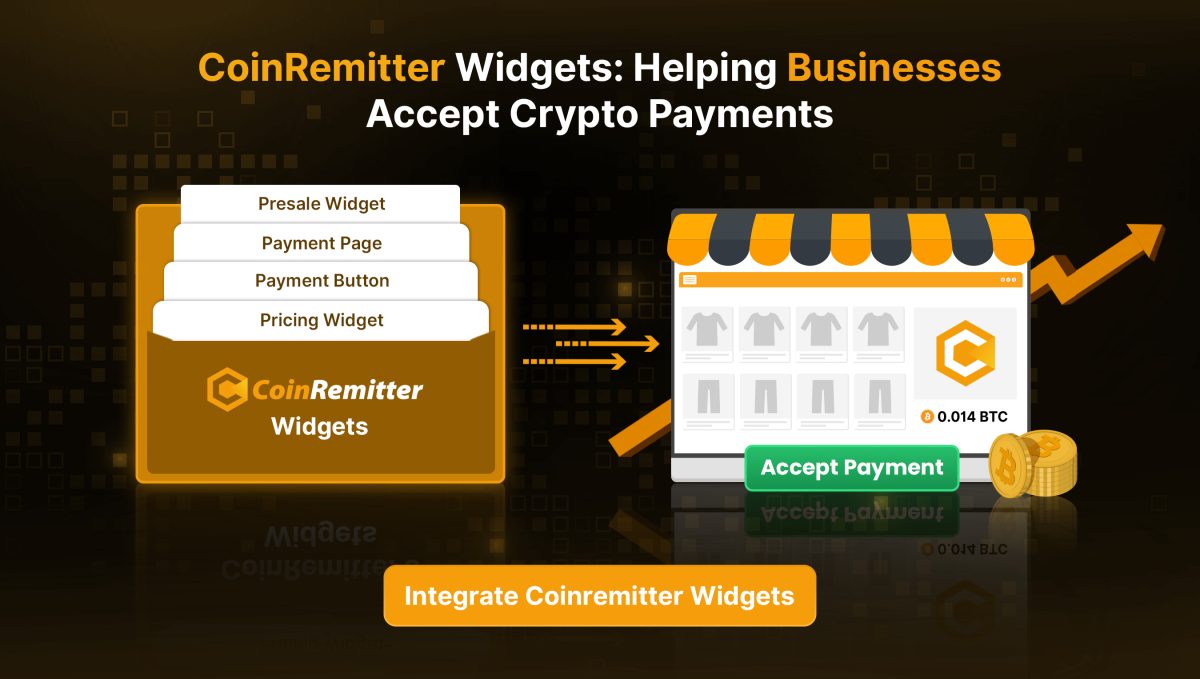
CoinRemitter built four specialized widgets. Every widget is designed for a specific business use case. You don’t need to pick one. You can use multiple widgets across your site depending on what you sell.
Payment Button
The Payment Button Widget handles fixed-price products and donations. Think of it as the simplest possible way to add crypto checkout. Set a price in your fiat currency and link your wallets. Then customize the button’s appearance and embed the auto-generated code. Buyers can view the price before choosing their preferred cryptocurrency to complete the payment. No redirects. No third-party pages. The whole thing lives on your website.
Pricing Widget
The Pricing Widget works for businesses that offer subscription tiers or multiple pricing plans. SaaS companies, course platforms, and service providers use this one. You pick a layout, configure your plan names, set pricing and deliverables, then link your crypto wallets. The widget displays everything side by side so customers can compare plans and pay directly in crypto.
Payment Page
The Payment Page Widget creates a standalone payment page with its own shareable URL. No website integration needed at all. Add up to 10 customizable price fields. If you are fundraising, you can also set a goal tracker. Then share the link with your audience. This solution is ideal for online sellers as well as service providers and NGOs.
Presale Widget
The Presale Widget targets crypto projects running ICOs or token presales. It supports multi-round token distribution along with price hike scheduling and bonus token offers. Project owners can set purchase limits and customize the interface. They can also track real-time presale statistics without touching a single line of code.
No Coding Required: How the Widgets Actually Work
Every widget follows the same straightforward process. Log in to your CoinRemitter dashboard and open the Widgets section. Choose the widget type you need. Then use the step-by-step builder to customize the appearance and connect your wallets. After that, configure the payment details.
Complete the configuration. The platform will automatically generate the embed code or URL (for the Payment Page). Add the code to your website’s source code to publish it. Share the URL directly to accept crypto payments with the Payment Page. Your widget will be live instantly. That’s it. The entire setup for a Payment Button takes under five minutes. Even the more complex Pricing Widget rarely takes longer than ten minutes.
What makes this approach different from a basic “add a Bitcoin address” button is the payment processing happening behind the scenes. The widget converts your fiat price into the equivalent crypto amount using live exchange rates as soon as a customer pays. It processes the transaction before confirming it on the blockchain and transferring the funds to your linked wallet. You get statistical insights into which cryptocurrencies your customers prefer and which plans sell the most. No manual reconciliation. No guessing.
The widgets also support multiple cryptocurrencies per widget. Link wallets for any supported currency. Buyers can pay with their preferred cryptocurrency. CoinRemitter charges just 0.23% per withdrawal, which is the lowest in the crypto payment gateway market.
Choosing the Right Widget for Your Business
Picking the right widget depends on what you sell and how you sell it. If you’re a freelancer or run a small shop with one product, the Payment Button is all you need. For SaaS businesses and companies with tiered pricing, the Pricing Widget displays everything customers need to compare and decide.
Running an ICO or launching a token? The Presale Widget gives you complete control over token distribution rounds and pricing strategies. Just need a quick payment link to share anywhere? The Payment Page Widget creates one in minutes without touching your website at all.
You don’t have to limit yourself to one widget. Businesses often use the Payment Button on product pages. They use the Pricing Widget on their plans page and the Payment Page Widget for email campaigns. Each widget works independently while all statistics remain available in a single dashboard.
Start Accepting Crypto Payments Today
Crypto payments aren’t experimental anymore. Over 420 million people worldwide own cryptocurrency. They look for businesses that accept payment in crypto. The barrier was never whether customers would pay in crypto; it was how complicated the integration felt.
CoinRemitter’s widgets remove that barrier completely. No developers, no long setup, no coding. Pick a widget, configure it in minutes, and start accepting crypto alongside your existing payment methods.