Image to Video: A Simple Way to Bring Your Photos to Life
Most of us have a phone full of photos that never go anywhere beyond a group text or a Facebook album. A birthday party, a school event, a weekend project, a product you’re trying to sell locally — the photos are there, but turning them into something more engaging, like a video, has always felt like a job for someone with fancy editing software and a lot of free time. That’s changing faster than most people realize, and it’s worth knowing about even if you’ve never thought of yourself as a “video person.”
Why Turning Photos Into Video Is Suddenly Easy
A new wave of AI tools can now take a single still photo and turn it into a short, moving video clip, adding motion, camera movement, or subtle animation without you needing to know anything about video editing. You upload a photo, describe what you’d like to see happen, and the tool generates a short clip based on that image.
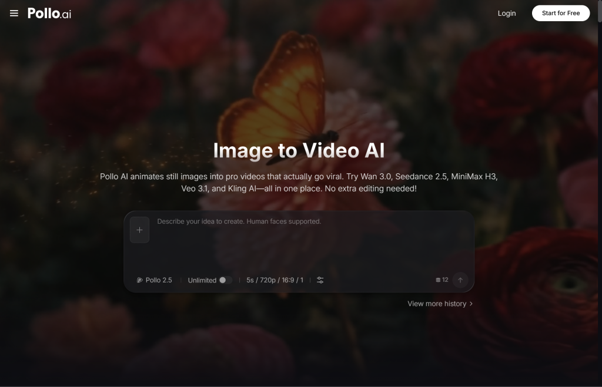
This is exactly what image to video through Pollo AI offers, and it’s a lot more approachable than it might sound. A photo of a local shop’s storefront can become a short video that feels like a gentle establishing shot for a promotional post. A picture from a family celebration can turn into a moving keepsake instead of just sitting flat in a phone gallery. A product photo for something you’re selling on Facebook Marketplace can become a short clip that catches more attention scrolling through a feed than a plain photo would.
Everyday Ways People Are Using This
You don’t need to run a business or manage a marketing budget to get real use out of this kind of tool. Some of the most common everyday uses include:
Small business promotion. A local restaurant, boutique, or service business can turn a handful of product or storefront photos into short videos for Facebook and Instagram, which tend to catch more attention than static photos in a busy feed.
School and community organizations. PTAs, church groups, and youth sports leagues often have plenty of event photos but no video budget. Turning a few favorite shots into a short video can make a fundraiser announcement or event recap feel more polished without hiring anyone.
Real estate and rental listings. A handful of interior and exterior photos can be turned into a short video walkthrough-style clip, giving a listing a bit more life than a photo gallery alone.
Personal keepsakes. Old family photos, wedding pictures, or milestone moments can be turned into short video clips worth sharing with family who live far away, or saving as something more dynamic than a printed photo.
None of this requires video editing experience. The starting point is simply a photo you already have.
Adding Text and Design With Canva AI
Once you have a video clip, the next step is often adding a title, a caption, or a bit of branding — a business name, an event date, a simple graphic overlay. This is usually where people hit a wall, since most video tools don’t handle text and design well, and switching to a separate app to add a caption means exporting files back and forth.
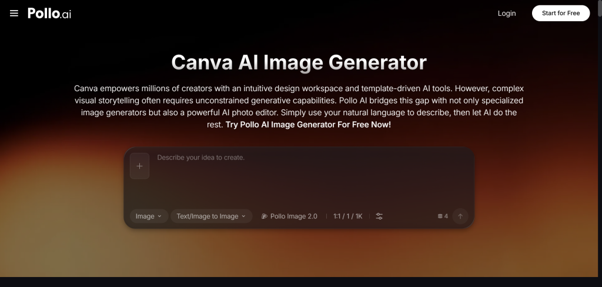
Pollo AI also offers its own AI image and editing tools, while Canva AI can be used separately for additional text and design work. After generating a video clip in Pollo AI, you can export it to Canva AI to add text, a logo, or simple design elements.
A Simple Way to Get Started
- Pick a photo you already like. It doesn’t need to be professional — a clear, decent phone photo works fine.
- Describe what you want to see. A short description of the motion or mood you’re going for is enough to get a first result.
- Review and adjust. Try a couple of variations if the first one isn’t quite right.
- Add finishing touches with Canva AI. A short caption or simple graphic often makes the biggest difference in how a video reads on social media.
Why This Matters for a Small Community
Big companies have had access to video production for years. What’s changed is that the same basic idea — turning a photo into something with a little more life and movement — is now available to anyone with a phone and a few minutes to spare. For a small business trying to stand out on social media, a school group promoting an event, or a family wanting to preserve a memory in a new way, tools like the ones inside Pollo AI make video something anyone can try, not just something reserved for people with production budgets and editing skills.
If you’ve got a folder of photos that have never quite made it further than your camera roll, it might be worth spending a few minutes seeing what a little motion can add.